
How to set up geo-targeted Google Ads, with Perth and Brisbane examples

To set up geo-targeted Google Ads in Brisbane, open the campaign’s Settings, expand Locations, add Brisbane (or a radius around your address), and change the location option from the default “Presence or interest” to “Presence” if you only serve people who are physically there. Then exclude any areas you cannot service and review the geographic report after a few weeks of data. The same steps apply to Perth or anywhere else, and this guide walks through each one as Google names it in 2026, with a Perth and a Brisbane example.
How Google decides where a searcher is
Google Ads matches a person to a location in two ways, which its page on targeting geographic locations calls physical location and location of interest. Physical location comes from signals such as IP address, device GPS, Wi-Fi and cell tower data. Location of interest comes from the search itself, past searches, browsing and Google Maps activity: someone in Sydney searching “hotels Brisbane” has shown interest in Brisbane without being there.
Google also states that 100% accuracy is not guaranteed in every situation and recommends watching performance metrics. Check the geographic report rather than assume every click came from inside the line.
Presence or interest versus Presence: which to choose
Google offers two location options, and the choice decides who your ads reach. Its advanced location options page words them like this:
- Presence or interest: “Reach people in, regularly in, or who’ve shown interest in your targeted locations.” This is the default and Google’s recommended setting.
- Presence: “Reach people in or regularly in your targeted locations.”
For exclusions the default is to exclude people likely to be located in your excluded locations.
Choose Presence for any business whose customer has to be physically nearby: trades, clinics, restaurants, retail, local professional services. Under the default, a person anywhere in Australia who searches “plumber Brisbane” can trigger your Brisbane ad, and for a plumber that click is wasted. Choose Presence or interest when the customer researches from elsewhere and travels to you: accommodation, tourism, events, relocation services, and property. Google notes that the wider setting brings additional conversions in travel, real estate and education, which matches what we see.
There is no third “search interest only” option in the current interface. Older guides, including the previous version of this article, describe one, and it is gone.
Setting up location targeting step by step
Google’s target ads to geographic locations page gives the steps. For a campaign that already exists: go to Campaigns, open Settings, click the campaign name, expand the Locations panel, type the location name (add the state or country if the name is ambiguous, because there is a Perth in Scotland) and save. You can add cities, regions, postcodes and states, and you can add several to one campaign.
Radius targeting
For a service area rather than a named place, use a radius. In Locations, click the pencil icon, select the campaign, choose the Radius option, enter your address and the distance in kilometres, check the map and save. Google requires a radius of at least 1 km and warns that a small radius may mean your ads show intermittently or not at all, because too few people can be placed inside it with confidence. Start wider than feels natural and narrow it once you have data.
Exclusions
Exclusions remove parts of a targeted area. Google’s exclude ads from geographic locations page gives the steps: in Settings, expand Locations, search for the area and click Exclude, or use Advanced search to add up to 1,000 exclusions in bulk. One rule to remember: if an area is both included and excluded, the exclusion wins. Target Western Australia and exclude Perth, and Perth does not see the ads.
A Perth example
Take a Perth roofing company that services the metropolitan area but not regional WA. The setup that works:
- Locations: Perth, Western Australia as a named location, or a radius around the depot if the crew only travel a set distance. Add Mandurah or Rockingham as separate locations if the business goes that far, so you can report on them.
- Location option: Presence.
- Exclusions: none needed if Perth is the only targeted area, because the targeting already stops at the metro boundary. Add exclusions only if you target the whole state and want to cut towns you will not travel to.
- Schedule: PWD’s rule for non-brand campaigns is weekdays 6am to 6pm Perth time, with brand campaigns running around the clock. A Perth trades ad at 2am reaches people who are not calling anyone.
The keywords should carry the same intent. “Roof repairs Perth” and “roof restoration Perth” tell Google and the searcher the same thing the location setting does.
A Brisbane example
Now a Brisbane physiotherapy clinic with one location in the inner north and patients who will travel across the northern suburbs but not from the Gold Coast.
- Locations: a radius around the clinic address rather than “Brisbane”, because Brisbane as a named location stretches well beyond where a patient will drive for an appointment. Check the map preview and adjust until the circle covers the suburbs your patients actually come from.
- Location option: Presence. A person searching “physio Brisbane” from interstate is planning a trip, not booking a session.
- Exclusions: usually none, because the radius does the work. If the radius has to be wide to reach one outlying suburb and it pulls in an area you do not want, exclude that area.
- Schedule and time zone: if the account is managed from Perth, check the account time zone before setting the ad schedule, because the schedule follows the account’s clock and a Brisbane clinic’s opening hours are two or three hours ahead of Perth depending on the season.
Location bid adjustments and the geographic report
Once a campaign has a few weeks of data, open the Locations view to see clicks, cost and conversions by area. Google’s measuring geographic performance page covers the reports, including the difference between where people were and what they searched for.
Bid adjustments let you pay more or less in specific areas. Google’s bid adjustments page gives the location range as minus 90% to plus 900%. Use a positive adjustment where a suburb converts well and a negative one where it spends without converting, before you reach for an exclusion. If the campaign uses Smart Bidding, Google states you do not need manual bid adjustments because the strategy sets bids to the conversion goal, so in that case spend your time on the targeting and the landing page instead.
How local intent matches keywords
Local intent is matched twice: by the location setting, which controls who can see the ad, and by the keyword, which controls which searches the ad enters. “Emergency plumber” targeted to Brisbane with Presence reaches Brisbane residents searching for an emergency plumber whether or not they typed “Brisbane”. “Emergency plumber Brisbane” as a keyword also catches the searcher who typed the city, which matters when you use Presence or interest, and gives you an ad group where the copy can name the city.
The same principle drives organic local search. A question that appears in our search data, which SEO providers offer geotargeted keyword matching aligned with local search intent, has a straightforward answer: any competent local SEO provider maps service keywords to the suburbs and regions a business serves, builds pages and Google Business Profile content to match, and tracks rankings from those locations. PWD does this under our local SEO service, and our guide to local keyword research shows how the keyword mapping is done. Paid and organic local targeting work best when they use the same list of places.
Common geotargeting mistakes
The mistakes we fix most often in Perth accounts:
- Leaving the default location option on a local service campaign. Presence or interest is the right default for Google, not for a plumber.
- Targeting a state to be safe. Broad targeting spreads a small budget over people who will never buy. Cover the area you service and no more.
- A radius so small the ads barely show. Google warns about this. Widen it and use bid adjustments or exclusions to shape it.
- Never opening the geographic report. Targeting is a setting you review, not one you set once.
- Ads and pages that do not name the place. A Brisbane-targeted campaign sending clicks to a generic national page converts worse than one with a Brisbane page.
When to hand this to an agency
Do it yourself if you have one location, one service area and a campaign small enough to check monthly. The settings above take an hour and the geographic report tells you if they are working.
Hand it to an agency when you have several locations with different budgets, when you serve a mix of local and interstate customers and need Presence on some campaigns and Presence or interest on others, or when the geographic report shows spend in places you cannot explain. Multi-location accounts need a campaign structure that reports by area, and that is a build rather than a setting.
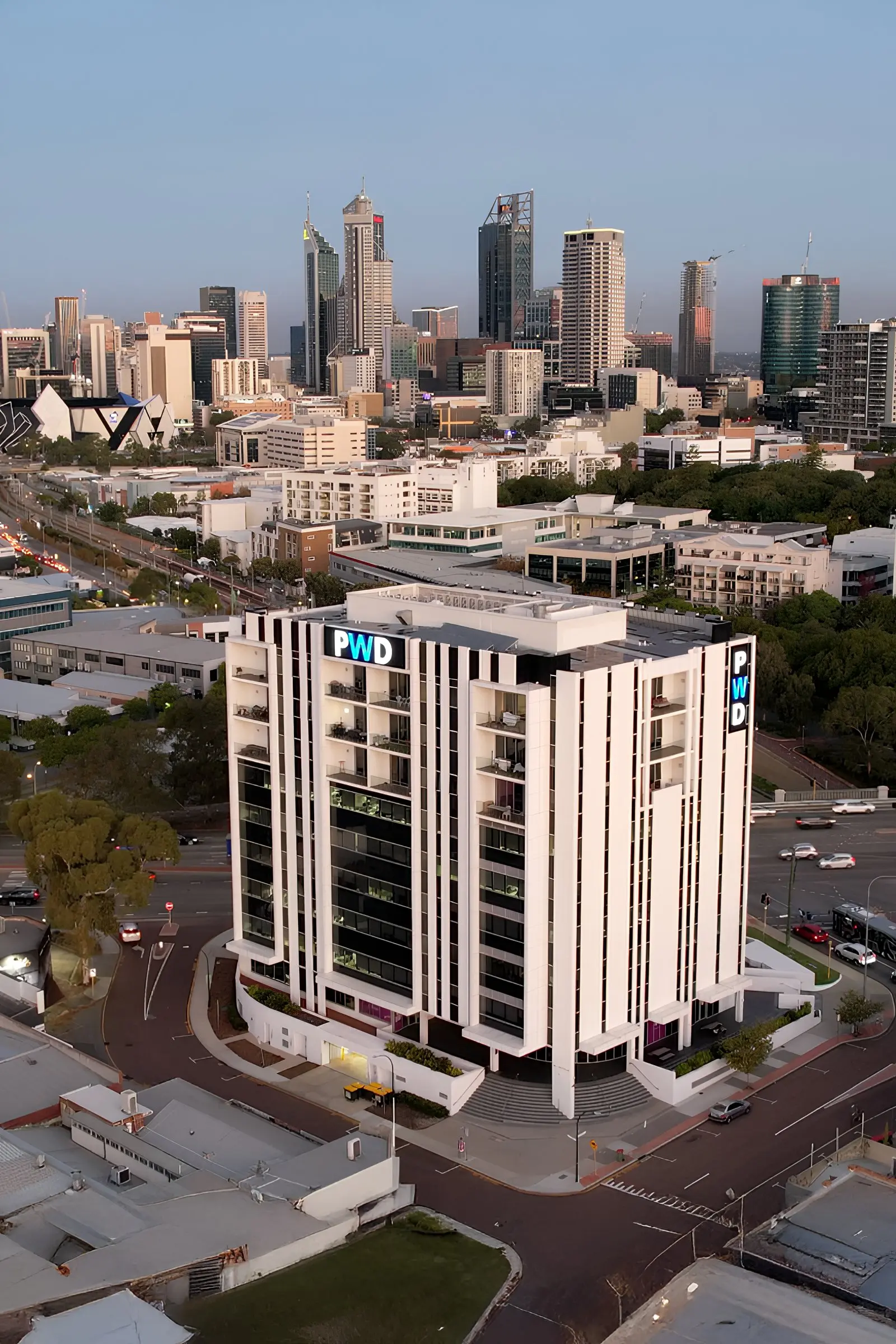
PWD manages Google Ads for Perth, WA and Australian businesses in-house from West Leederville. The account sits in your name, conversion tracking is tested before spend starts, and the monthly report shows spend and leads by location.
Get a free Google Ads account audit
Send us your account and we will check the location options, radius, exclusions and schedule on every campaign, and show you in writing where the budget is landing. No obligation and no lock-in contract.
Request a free Google Ads account audit or call 08 6146 0195.